Review the details that make the piece yours.
Compare generated campaign outputs with the source image across design, stone, metal, silhouette, and proportions before publishing.
Uses your existing ProductViews account and credits.
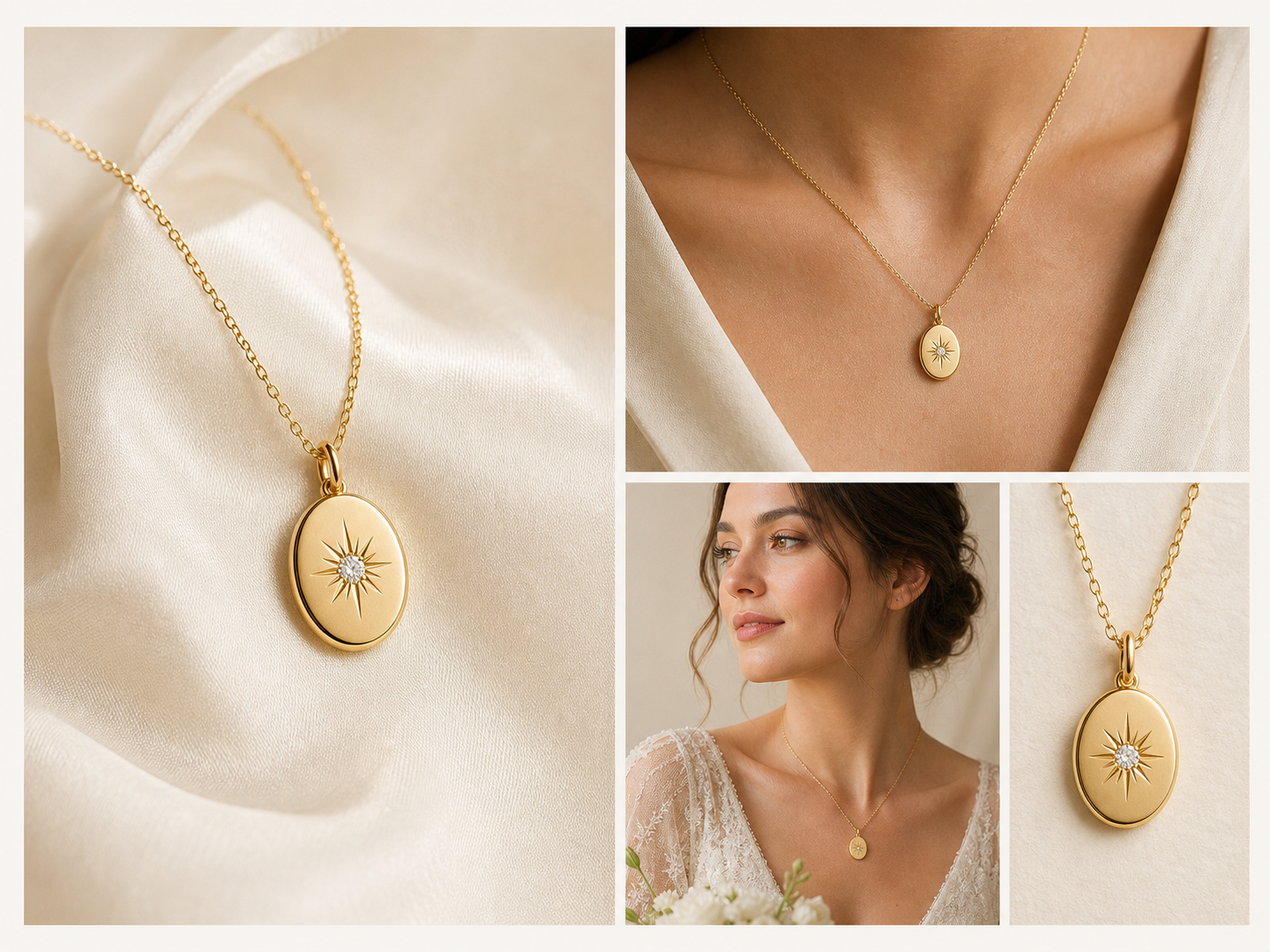
Product Identity, visible at every step.
Jewelry fidelity is a review workflow, not a magic guarantee. Compare the source and every output before publishing, then refine or regenerate any frame that changes the piece.
Explore fidelity review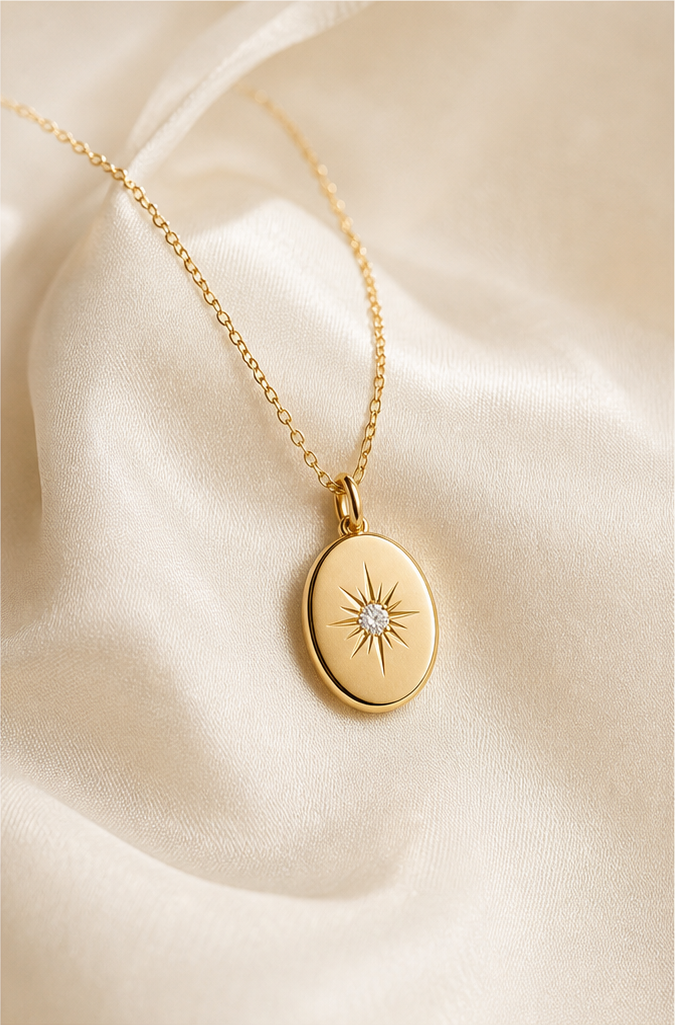
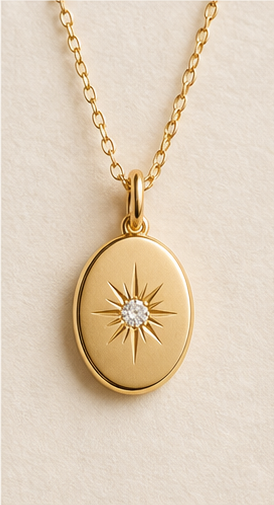
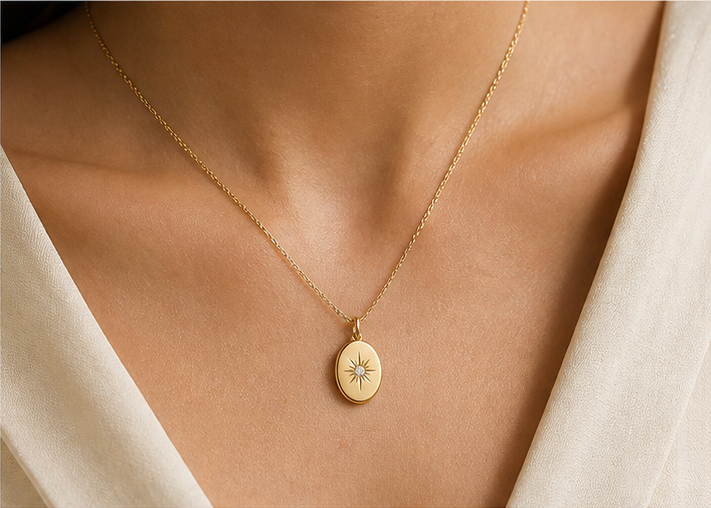
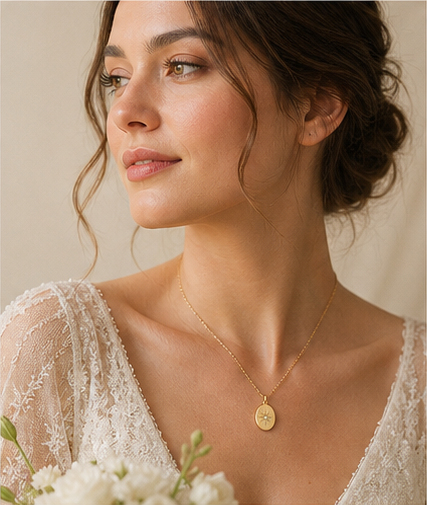
One source. Four commercial destinations.
Clean product photography and detail crops
Placement, scale, and editorial styling
Minimal, bridal, luxury, and editorial scenes
Shopify galleries, social crops, and ad frames
From source photo to campaign.
Jewelry Studio adds domain-specific prompts and review steps on top of the ProductViews generation system you already use.
- 01Upload jewelryStart with one clear image where the complete piece is visible.
- 02Analyze identityName the design, stone, metal, and proportion details that must remain unchanged.
- 03Choose a campaignSelect product, on-model, lifestyle, bridal, or storefront-ready direction.
- 04Review and exportCompare every output with the source, then download the approved campaign set.
Start as a vertical. Scale as a product line.
Generate and review campaign sets
Jewelry generations draw from the same credits as ProductViews.
View plansMove recurring catalog work to monthly credits
Upgrade only when recurring output justifies it.
Monthly pricing